Browse
Open Home, Movies or Series and scan real catalog artwork, shelves and search results.
 Streamly
Download beta
Streamly
Download beta
Public beta - macOS 13+ - Apple Silicon
Browse, choose and watch without leaving a native Mac app.
Streamly combines cinematic discovery, ranked user-controlled releases, local playback, Continue Watching and private library management in one focused desktop experience.
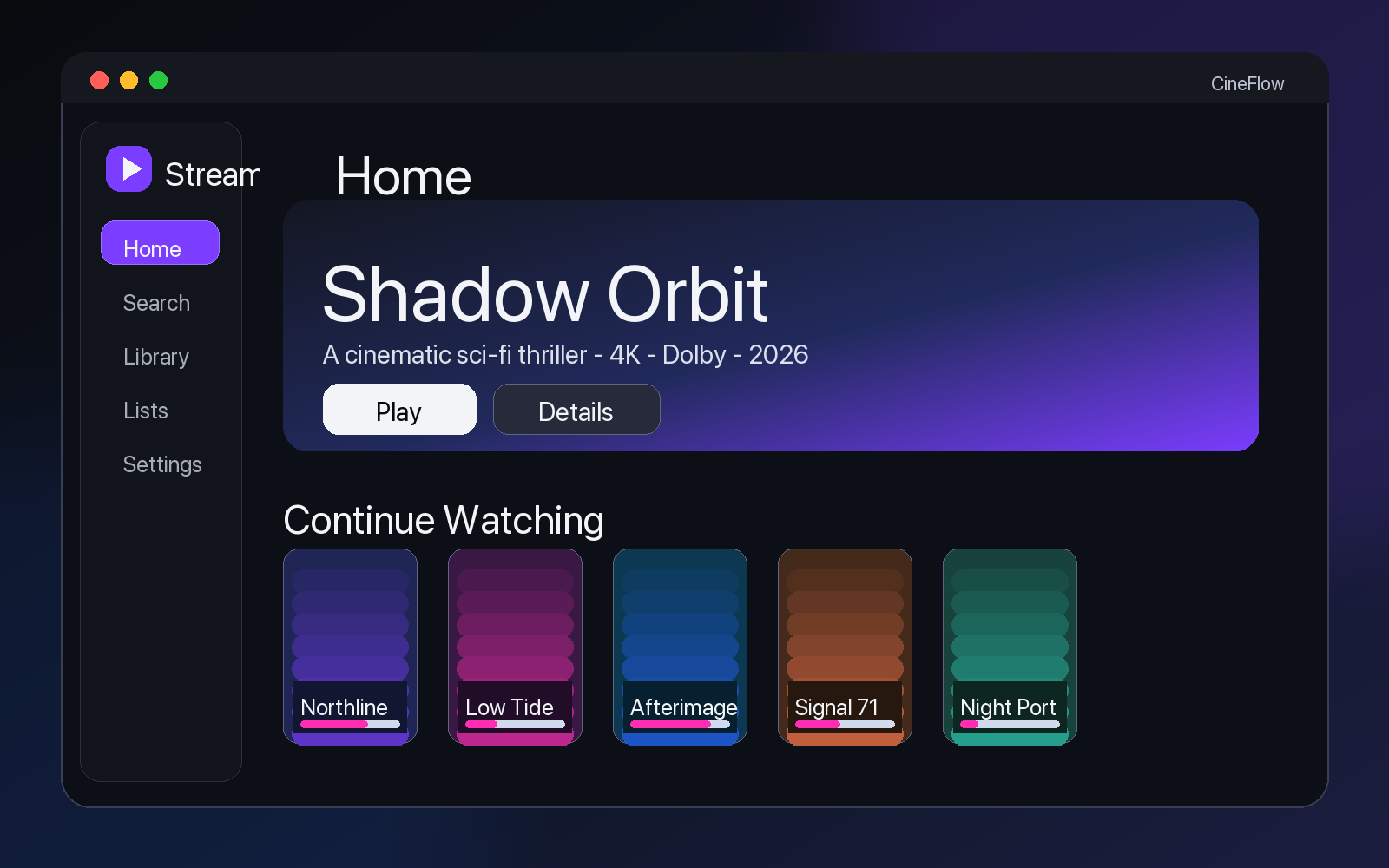
Real Product Screens
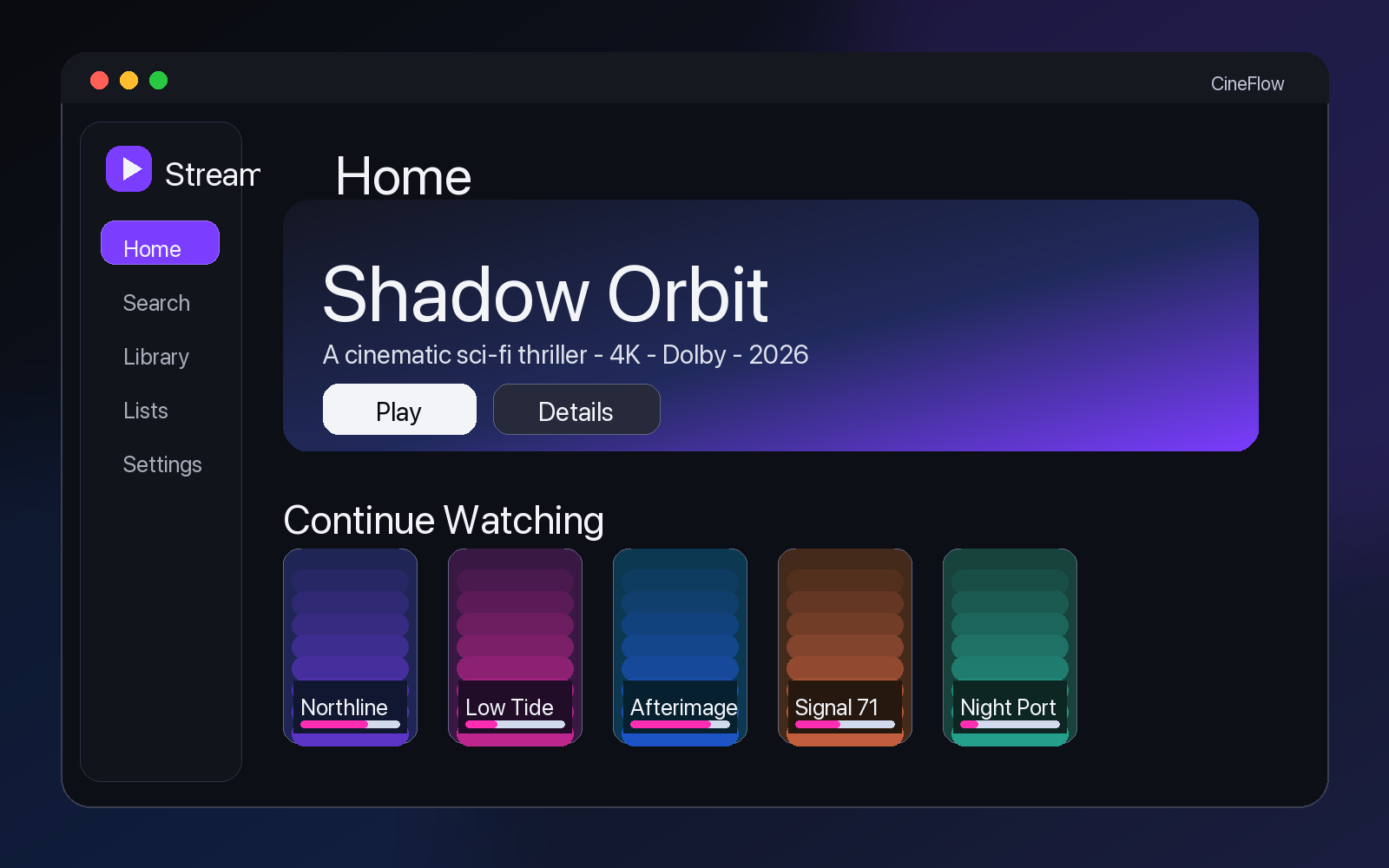
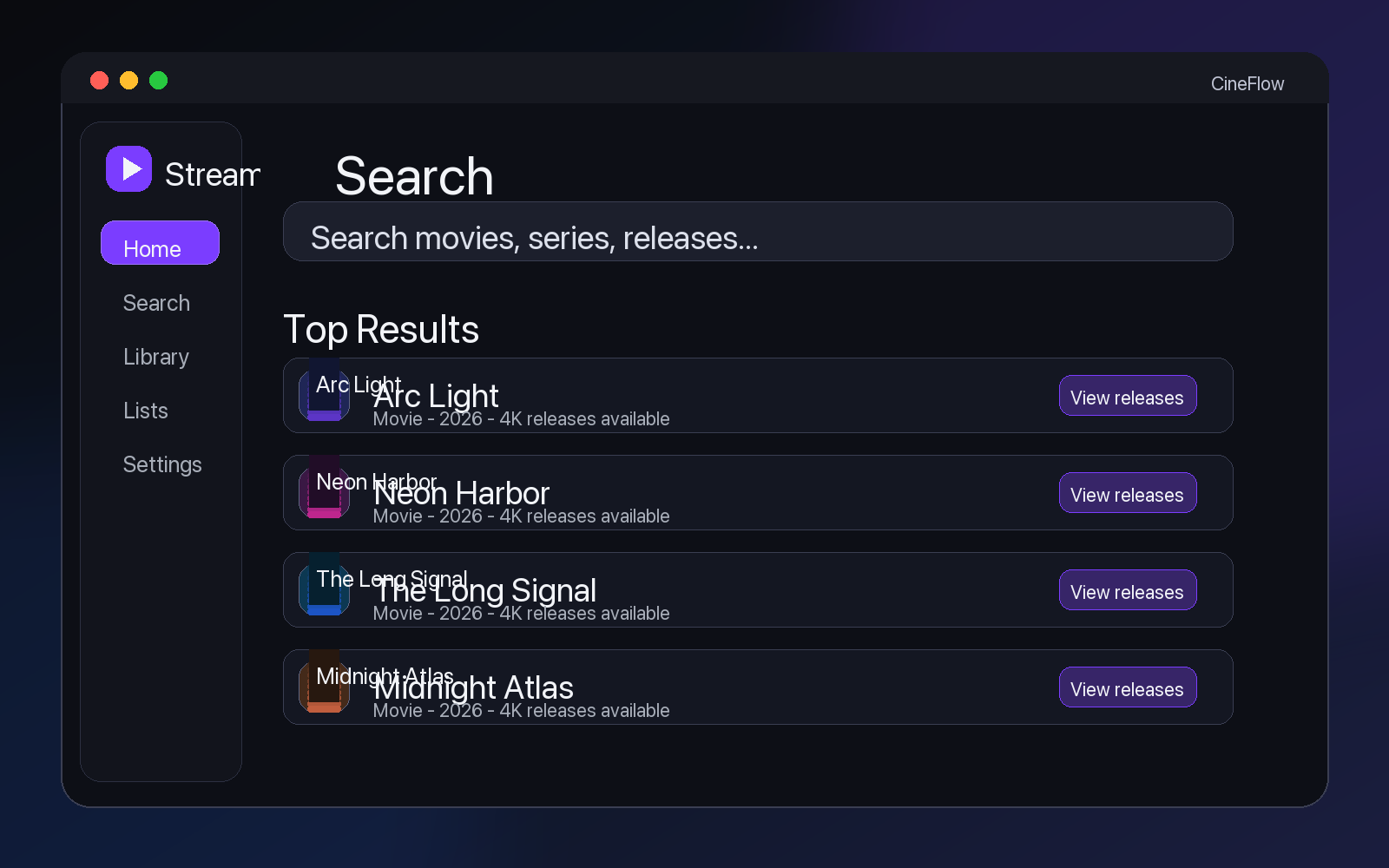
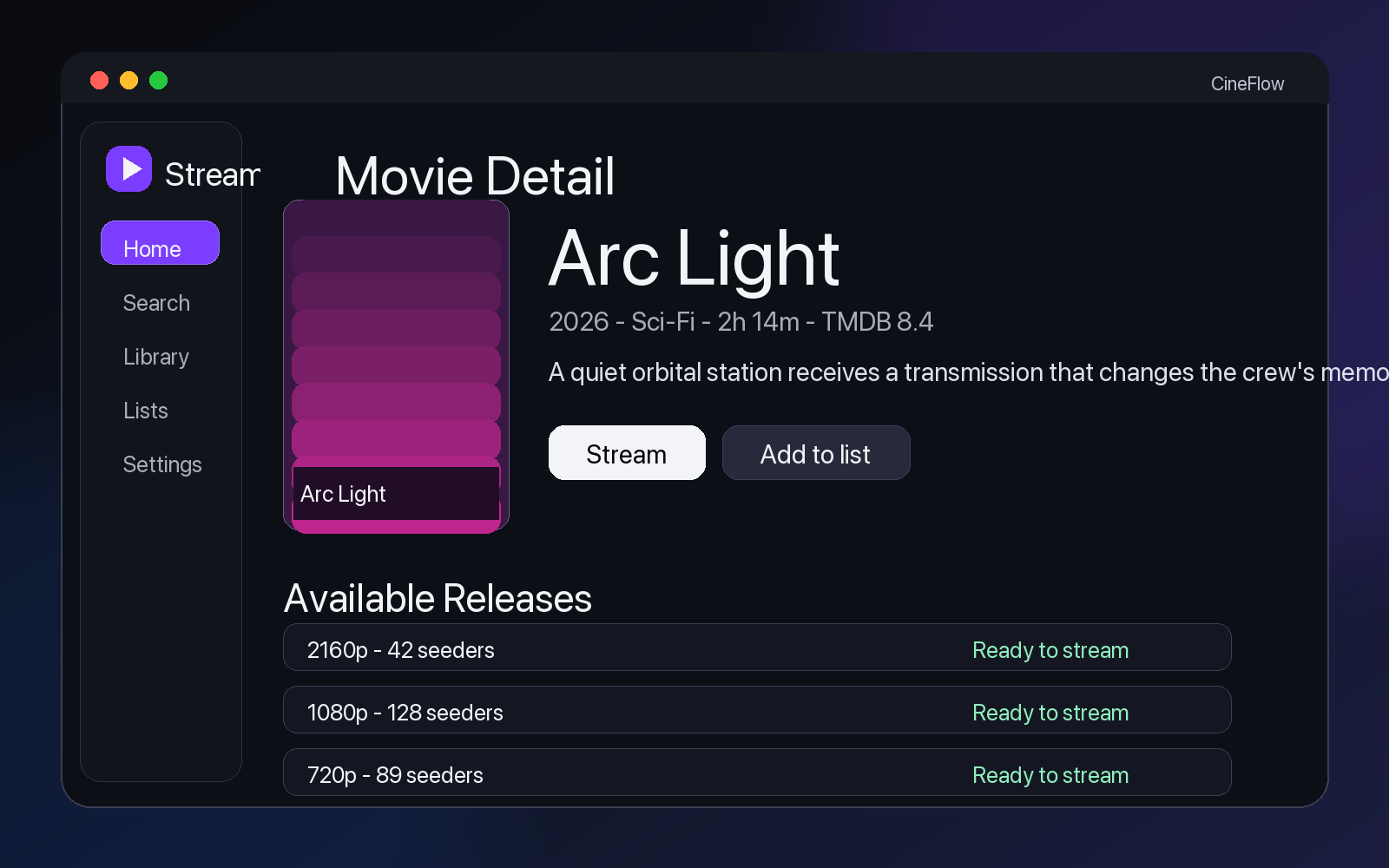

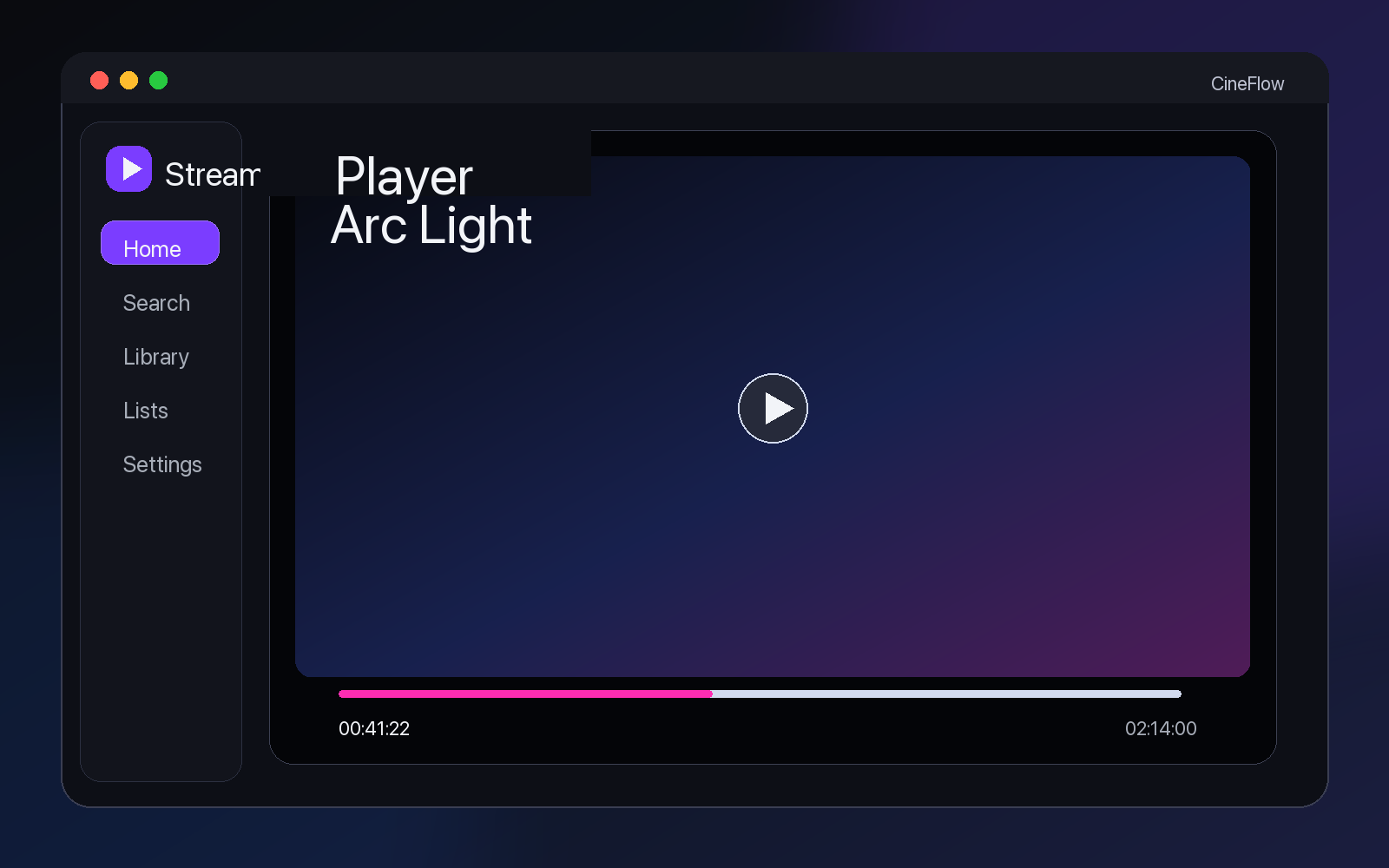
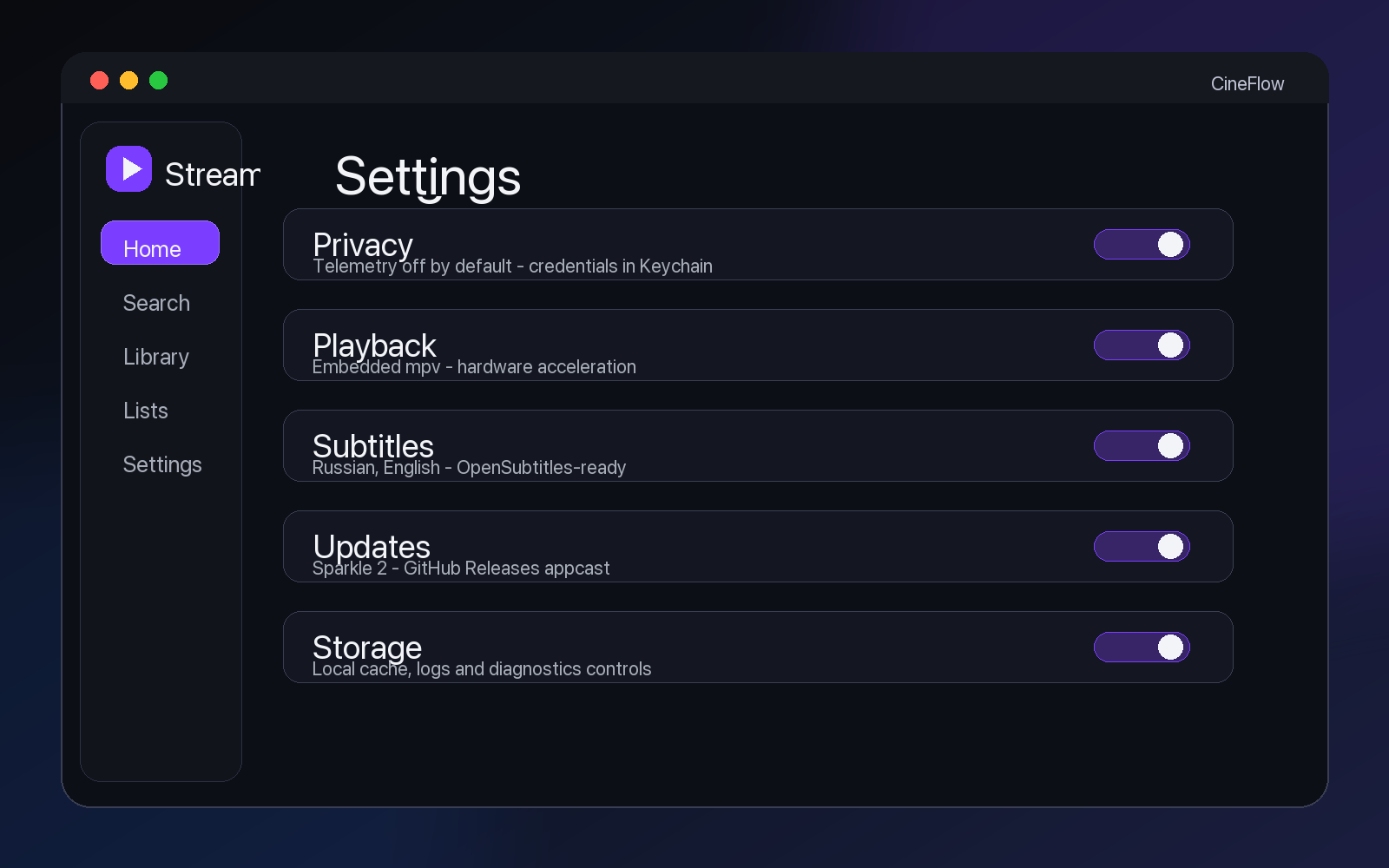
Flow
Open Home, Movies or Series and scan real catalog artwork, shelves and search results.
Review overview, cast, trailers, seasons, episodes, artwork and similar titles before choosing.
Use the recommended release or manually pick a specific quality/source when control matters.
Start local playback, then return later from Continue Watching, History or Library.
What Is Inside
Popular, new and featured movies and series are pulled into native poster shelves.
Find movies and shows with posters, metadata, filters and fast detail navigation.
Cinematic title pages combine artwork, logos, cast, trailers, episodes and similar items.
Quality, seeders, codec, HDR and source signals push strong releases forward.
Start local playback from user-controlled files, magnets or compatible source results.
Use embedded, local `.srt`/`.ass` and online subtitle workflows from the player path.
Track favorites, ratings, lists, progress, history and Continue Watching locally.
Create local support bundles with privacy-aware redaction only when you choose.
Download
The DMG is published through GitHub Releases. The download button resolves to the newest release asset when GitHub allows it, otherwise it falls back to the latest release page.
Download for Apple Silicon MacChecksum is published next to every release DMG.
Requirements
Installation
Streamly.app into Applications.Privacy
Legal